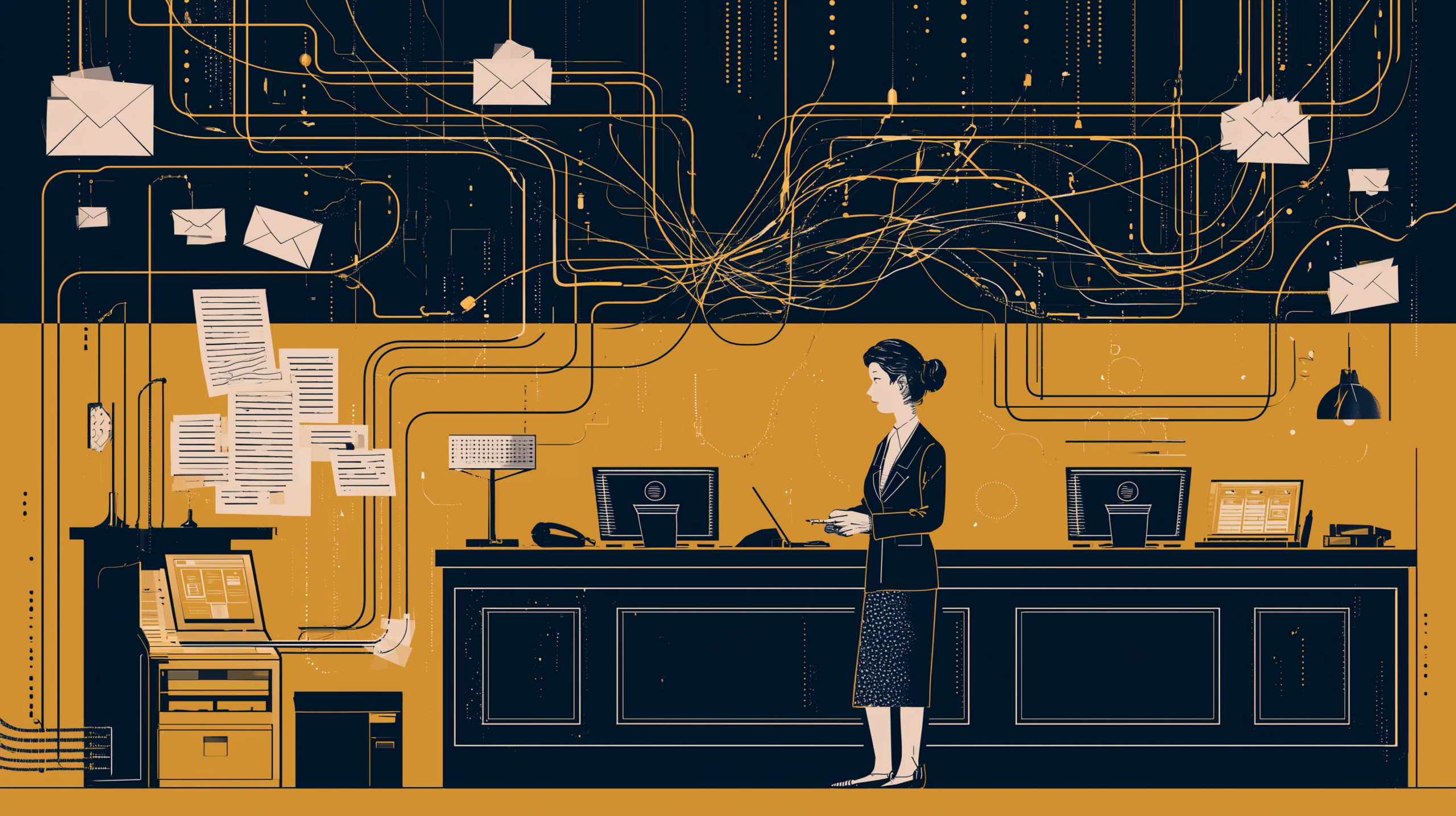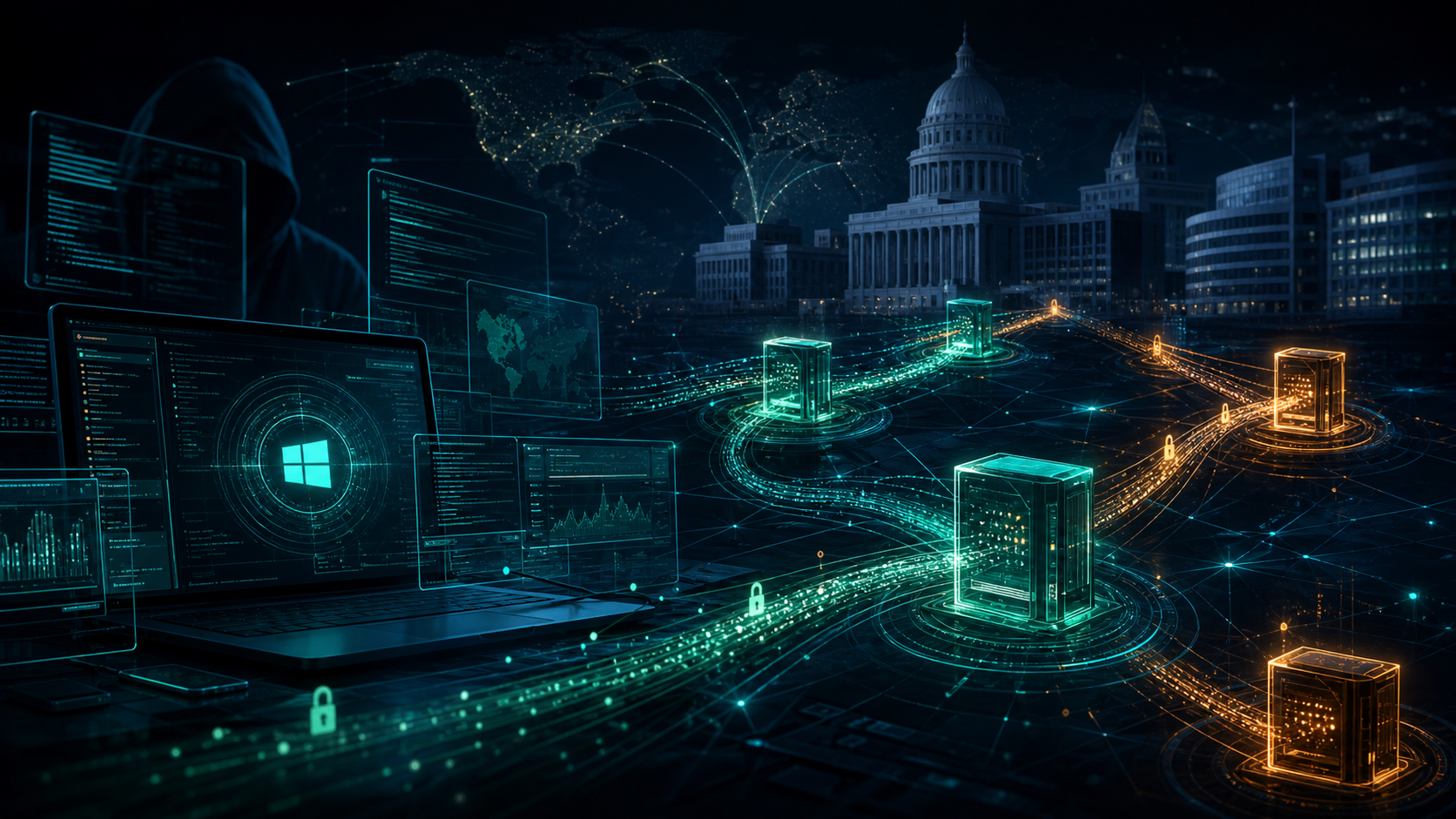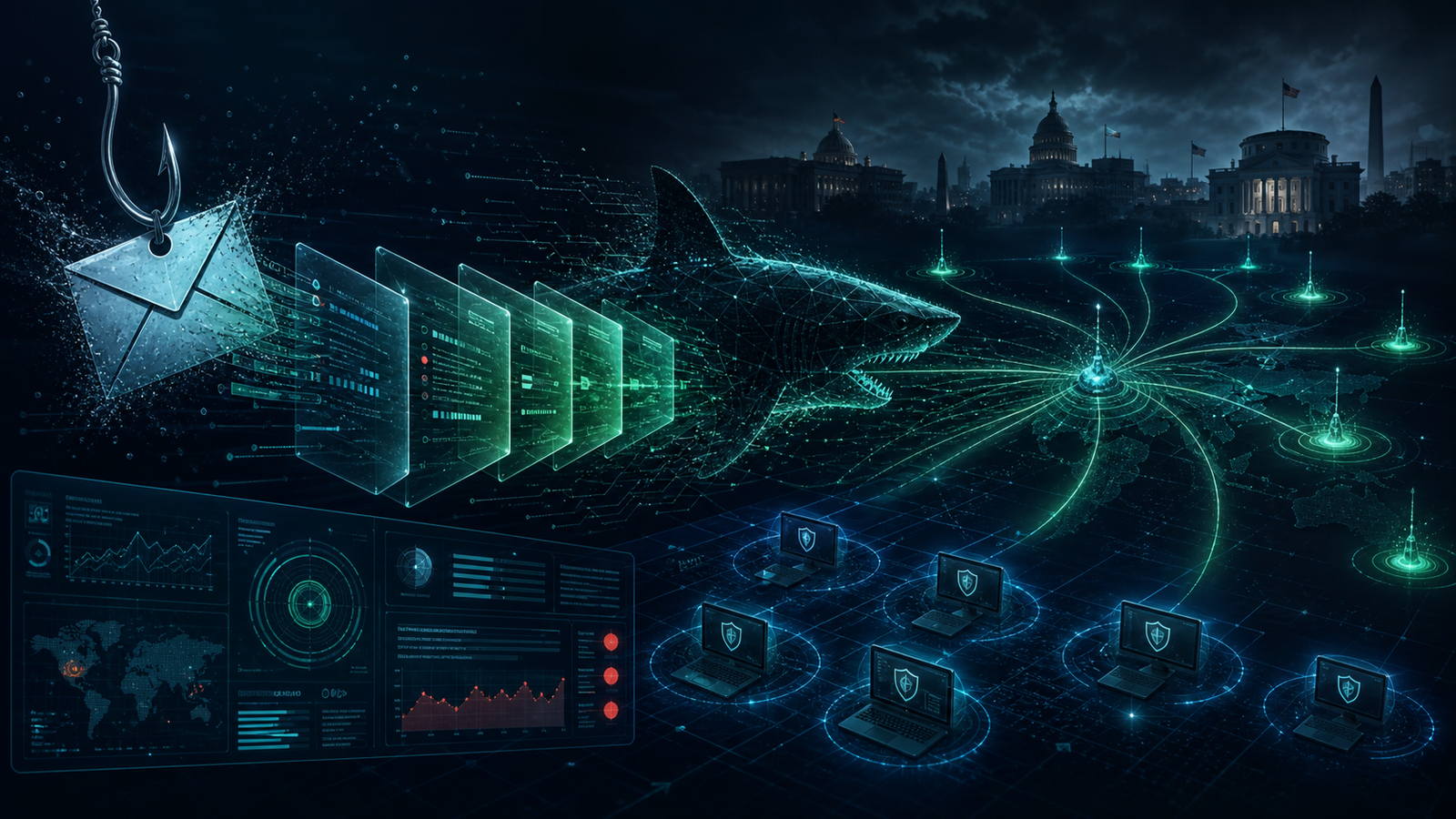
Google Cloud’s Mandiant team has detailed an active 2026 campaign against U.S. professional services, legal, and financial organizations by UNC3753, also tracked as Luna Moth, Chatty Spider, and Silent Ransom Group. The report is worth attention because this is not a malware-first intrusion pattern. It is a people-first operation that moves quickly from a phone call to remote access, data staging, exfiltration, and extortion.
For law firms, government contractors, accounting firms, and other document-heavy SMBs, the takeaway is simple: the helpdesk impersonation problem is now an incident response problem, not just an awareness-training topic.
What Mandiant Reported
Mandiant observed UNC3753 activity from January through May 2026 targeting dozens of U.S. organizations. The actors typically begin with low-friction social engineering: benign invoice-themed emails, direct phone calls, and pretexts such as security support, data migration, or helpdesk troubleshooting. The goal is to convince an employee to join a screen-sharing session and install or use legitimate remote support tooling.
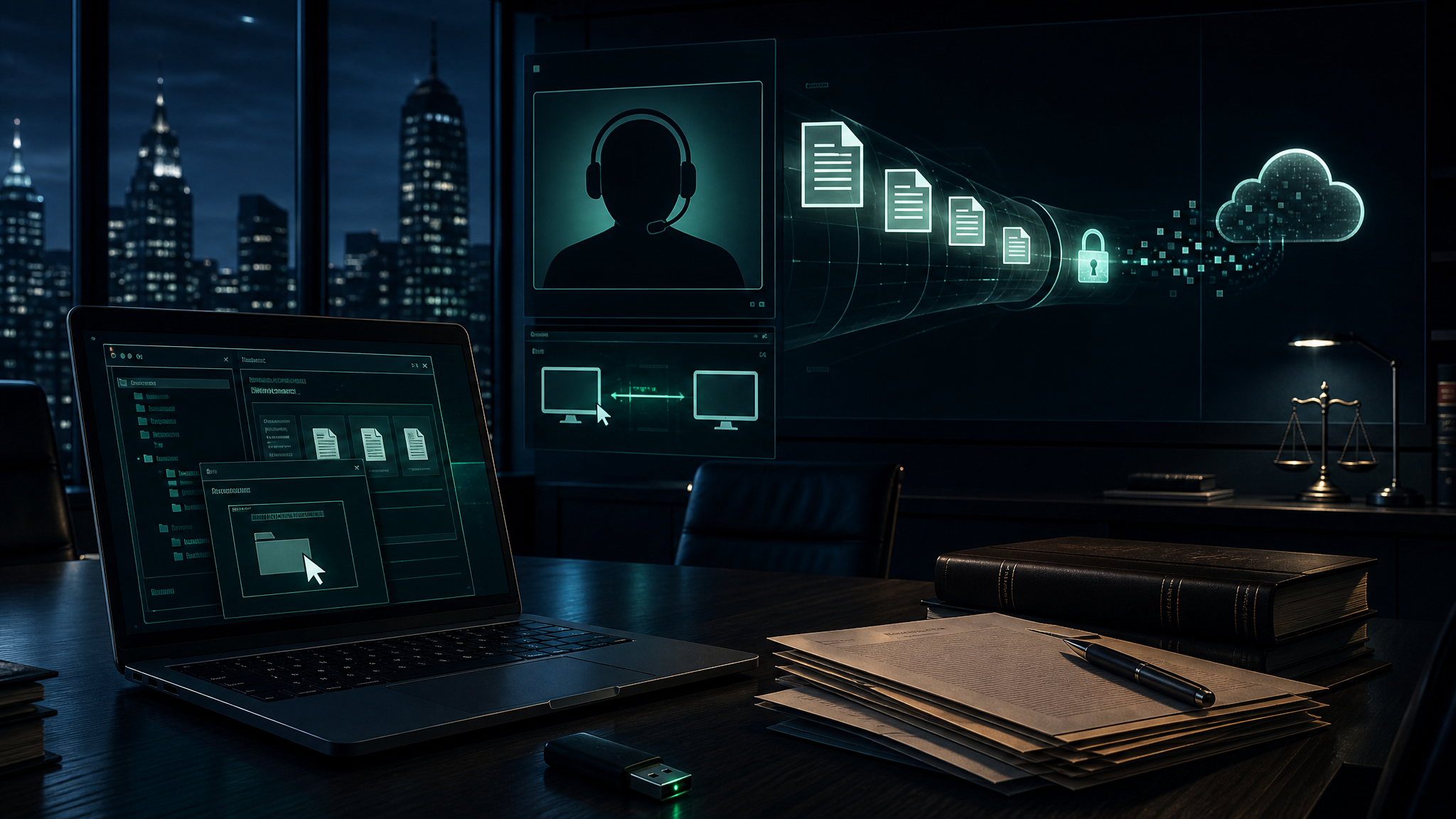
Once connected, the operators abuse tools such as Zoom, Microsoft Teams, Quick Assist, AnyDesk, Bomgar, Zoho Assist, WinSCP, and Rclone. In multiple cases, the attack moved from initial contact to data theft and extortion inside a single business day. Mandiant also highlighted suspected related physical intrusions where individuals posing as IT technicians attempted to enter offices and copy data directly to USB media.
The original Mandiant / Google Cloud analysis is available here: Ongoing Targeted Campaign Against US Law Firms.
Why This Matters to SMBs and Government Contractors
This campaign works because it targets business trust instead of perimeter controls. The actor does not need to beat email filtering with a weaponized attachment if a nervous employee can be convinced to call “IT,” join a remote session, and run the commands themselves. MFA also does not solve the whole problem when the employee is actively participating in the session or when attackers pivot through a BYOD device into VDI or cloud file repositories.
Law firms are especially exposed because they hold concentrated collections of client agreements, litigation files, tax records, SSNs, financial records, merger and acquisition material, and privileged communications. But the same pattern applies to small defense contractors, MSP customers, engineering firms, medical billing offices, and any company where a few users can access large volumes of sensitive documents.
The Operational Pattern
- Pretext creation: benign invoice or support-themed communication sets up the later call.
- Voice phishing: the actor impersonates internal IT or security staff and walks the target through a remote session.
- Legitimate tool abuse: remote support, screen sharing, and RMM utilities provide hands-on-keyboard access without custom malware.
- Data discovery: actors search OneDrive, mapped drives, VDI sessions, document management systems, and email repositories for high-value client data.
- Exfiltration: files are moved through consumer cloud storage, FTP/SFTP tooling, email forwarding, or removable media.
- Fast extortion: ransom emails can arrive shortly after the actor exits, with threats to contact employees, clients, and external partners.
Defensive Priorities
1. Put a real verification process around IT support
Employees need a simple rule: no one from IT gets remote control because of an inbound phone call. Require call-back through a known internal number, ticket validation, or manager-confirmed work order before any remote session, installer, command, or file transfer is allowed.
2. Restrict remote support and RMM execution
Block unauthorized RMM and remote support tools where possible. At minimum, alert on new executions of AnyDesk, Zoho Assist, Bomgar, ScreenConnect-style tooling, WinSCP, Rclone, and unexpected Quick Assist usage. For higher-risk organizations, application control should allow only approved support tools signed and deployed through managed channels.
3. Treat BYOD-to-VDI as a high-risk path
If personal devices can reach VDI or cloud desktops, enforce conditional access, device compliance, MFA step-up, and session monitoring. A compromised personal laptop should not become a bridge into the company’s document repository.
4. Monitor document stores like crown jewels
For iManage, SharePoint, OneDrive, Google Drive, file shares, and email archives, build alerts around unusual search volume, bulk downloads, rapid file staging, archive creation, and new outbound sharing to personal accounts. These systems often show the data theft before the firewall does.
5. Harden physical office procedures
The physical angle matters. Reception, facilities, and office managers should know that “I’m here from IT to image this laptop” is not enough. Require badges, visitor logs, escorting, pre-scheduled work orders, and verification with the known vendor or internal helpdesk before any device access.
Bulwark Black Assessment
UNC3753 is a good example of where modern extortion is going: fewer noisy payloads, more believable human interaction, and faster monetization. The actor’s advantage is speed. If the organization waits until after data leaves to start coordinating legal, IT, leadership, and communications, it is already behind.
The practical move is to pre-stage the response. Decide now who can authorize remote support, who can disable accounts, who can pull logs from document repositories, who contacts outside counsel or cyber insurance, and who tells employees what to do if “IT” calls them. For small organizations, that runbook may be only one page. It still beats improvising while an extortion timer is running.
Bottom line: if your business stores sensitive client documents, this campaign should trigger a review of helpdesk verification, RMM controls, document repository monitoring, and physical visitor procedures. The perimeter is not just your firewall anymore; it is the phone call, the conference room, the receptionist desk, and the employee’s screen-share session.