









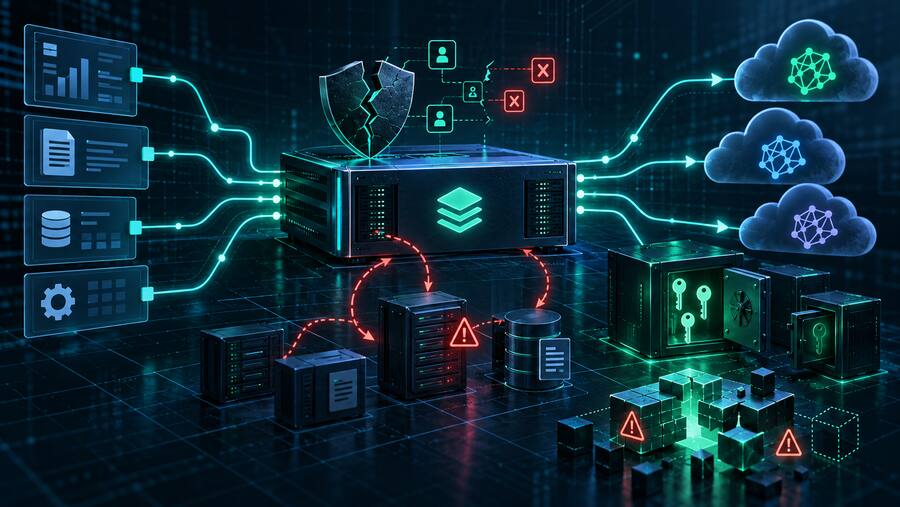





A valid digital signature is not proof that a process is behaving safely. Siemens has confirmed active exploitation of CVE-2026-110936 in Siemens Software Center. Attackers paired a legitimate, signed executable with malicious neighboring DLLs, turning trusted software into a malware carrier. For SMBs and government contractors, the priority is to update legitimate installations while investigating suspicious copies and their execution context.
Source: Siemens ProductCERT: Active Exploitation of CVE-2026-110936 in Siemens Software Center. This is Bulwark Black's summary and defensive assessment of the vendor's October 19 reporting.
What Siemens confirmed—and what it did not
Siemens identifies a DLL-sideloading weakness fixed in Software Center version 4.0.9.8. Its account describes attackers distributing an unmodified, signed copy of version 3.5.8.7 alongside attacker-controlled files. The executable loaded the malicious components from its surrounding directory. Siemens associates the activity with the Romulus ClickFix campaign.
The vendor says it has no knowledge of a breach of Siemens systems, products or update channels. This distinction matters: the reported mechanism involves a genuine program redistributed outside official channels, not evidence of a compromised official update. See advisory SSA-580366 for the product advisory.
Why updating is necessary but not a complete investigation
Bulwark Black assessment: A software-inventory check can answer whether an approved installation is current. It cannot, by itself, establish whether an attacker left a separate copy in a user's profile. Treat patch validation and compromise assessment as two related workstreams.
A signer-only allow rule also misses the central problem: trust in the executable does not automatically extend to every library it loads. Review process location, parent process, loaded modules, persistence and outbound connections together. Do not globally block Siemens software or classify all legitimate installations as malicious.
A practical hunt for lean security teams
- Find unexpected execution paths. Siemens recommends investigating SiemensSoftwareCenter.exe running beneath AppData\Local\Programs, particularly when launched by msiexec. Correlate these executions with installation activity and the user's explanation; an individual signal is a lead, not a verdict.
- Inspect the surrounding files. The vendor flags the SM Software Provisioning Service folder, neighboring activate.bak or statinfosta.DB files, and AppData\Local\FTSuite\ftc.uml. Preserve relevant file and process evidence before cleanup where operationally feasible.
- Review persistence and network history. Unexpected Software Center startup entries or scheduled tasks on machines without an approved installation warrant investigation. Correlate them with DNS, proxy, firewall and EDR records.
- Use the vendor's indicators with timestamps. Siemens lists 96.62.218[.]59 and wizardexpensive[.]com as active at publication, and 2.27.248[.]127 as an inactive distribution address. Current unreachability does not rule out earlier exposure. Retrieve the published malicious-file hashes directly from the linked ProductCERT report.
Contain the endpoint, then address the entry point
For systems showing credible compromise evidence, isolate the endpoint and follow the incident-response process. Siemens advises stopping the malicious execution before removing startup persistence and resetting passwords. Scope credential exposure and perform any necessary resets from a trusted system; consider sessions and tokens as part of that assessment rather than assuming a password change alone completes recovery.
Update approved Software Center installations to 4.0.9.8 or later and verify the resulting version. Siemens says existing installations update on launch. Use official distribution sources; do not run a suspicious redistributed copy to try to update it.
Reinforce one specific ClickFix rule: a browser verification or CAPTCHA should never require a user to paste commands into Windows Run or PowerShell. Give staff a straightforward reporting channel for these prompts and investigate reports without blaming the person who encountered them.
What a contractor should retain as closure evidence
Bulwark Black recommendation: Record the endpoints checked, verified software versions, hunt time range, telemetry coverage, suspicious-path findings and remediation owners. If an MSP handles monitoring, request the actual query scope and results. An empty result without suitable retention or module visibility is a coverage limitation, not proof that compromise was impossible.
Bottom line: Patch the approved software, but investigate the unapproved copy. The useful detection boundary is the relationship between a trusted executable, its neighboring DLLs and its behavior—not the signature alone.