






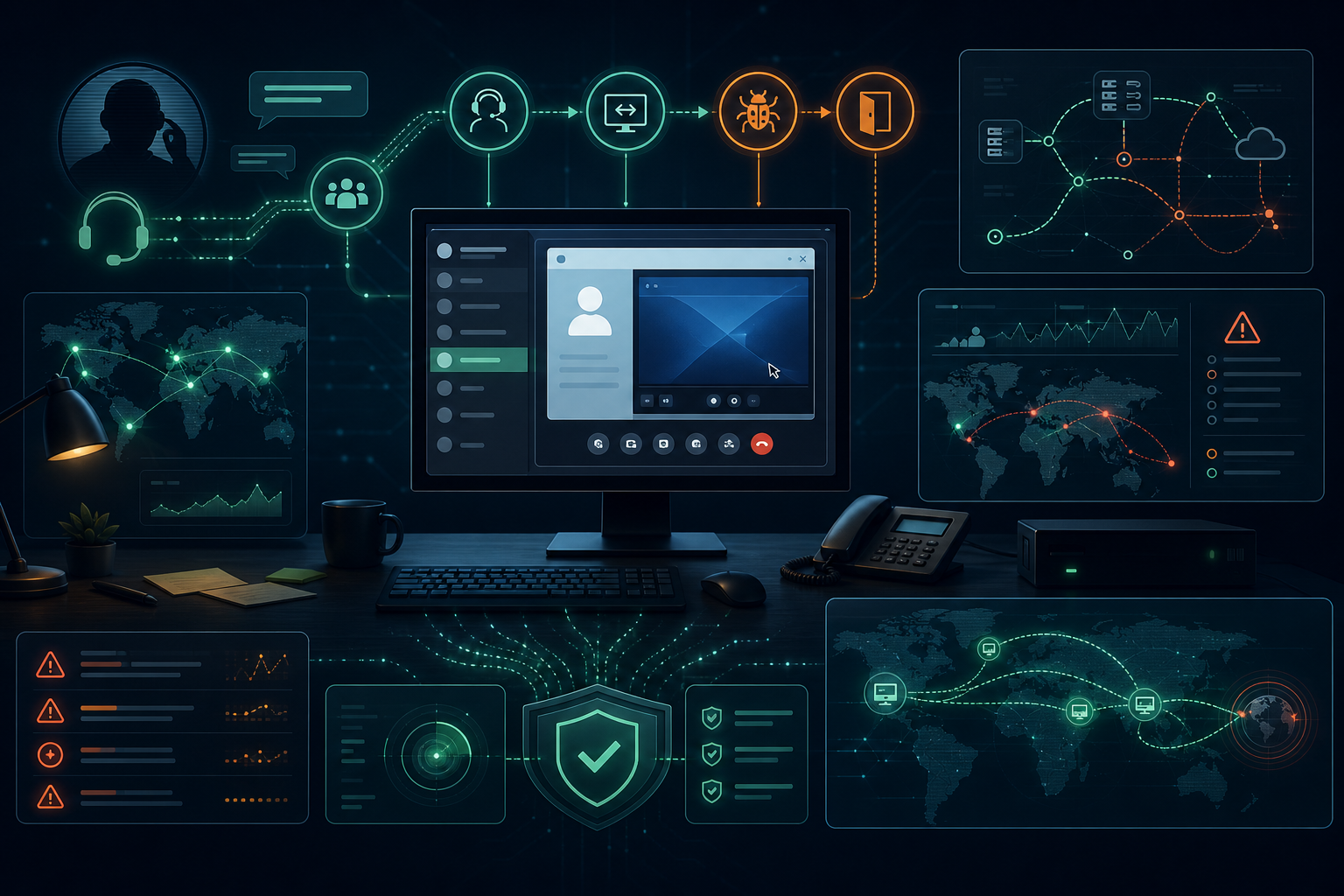
Zscaler ThreatLabz has been tracking a helpdesk impersonation campaign that blends Microsoft Teams vishing, Microsoft Quick Assist abuse, and custom malware into a credible initial-access playbook. The activity is especially relevant for small businesses and government contractors because it does not start with a novel exploit. It starts with a user being convinced that a remote support session is legitimate.
What Zscaler reported
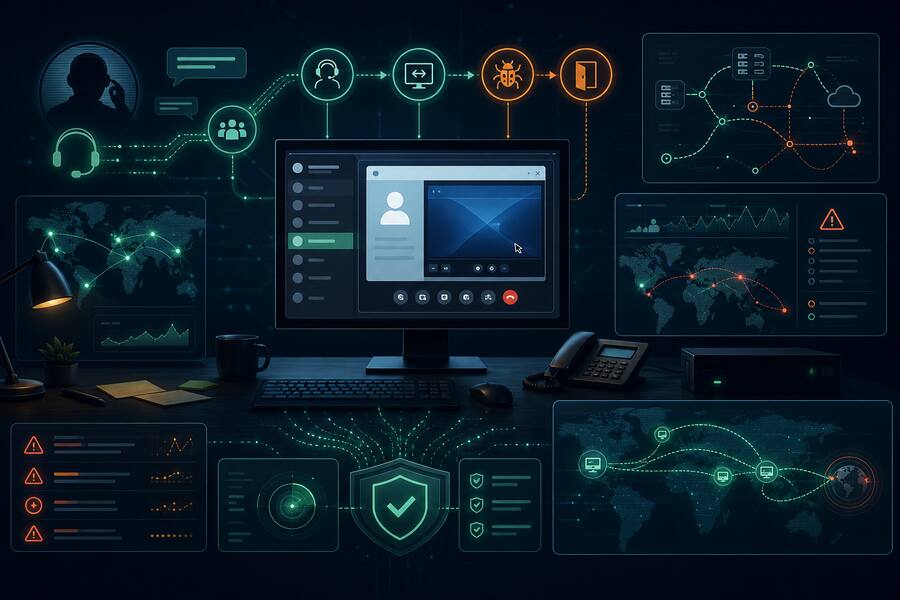
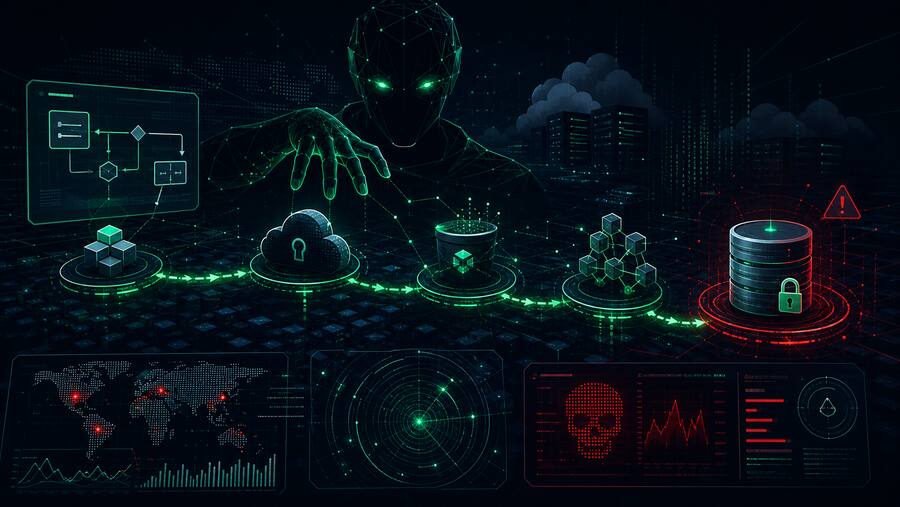
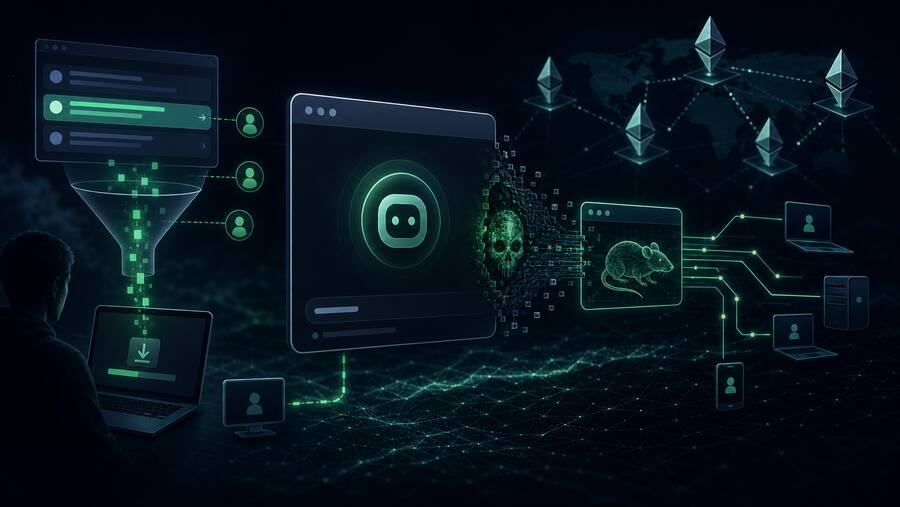
According to Zscaler ThreatLabz, the actor has been active since at least January 2026 and appears to operate like an initial access broker for ransomware crews. The intrusion flow uses vishing over Teams to establish trust, then moves the victim into Quick Assist so the attacker can interact directly with the endpoint.
Once the attacker has hands-on-keyboard access, the campaign can deploy a Go-based backdoor Zscaler calls GoGRPC. The malware fingerprints the Windows host, registers with command-and-control infrastructure, receives arbitrary command execution tasks, and uses gRPC over HTTP/2 for communications. Later tooling observed by Zscaler includes file collection, SOCKS proxy capabilities, and additional reverse-proxy components such as RevSocket, PyGRPC, and RSOX.
Why this matters
This is the kind of intrusion chain that punishes organizations with weak helpdesk verification, permissive remote-support tooling, and thin endpoint monitoring. A user does not need to download a suspicious attachment if the attacker can talk them into launching a legitimate remote assistance tool. From there, the operation can shift quickly from social engineering to reconnaissance, persistence, data theft, and proxy-enabled lateral movement.
For SMBs and defense-adjacent contractors, the risk is not just malware execution. It is the combination of trusted collaboration platforms, real-time voice pressure, and native administration tools. That blend can bypass controls that only focus on email attachments, known-bad links, or commodity phishing kits.
Defensive takeaways
- Lock down remote assistance. Restrict Quick Assist and other remote-support tools to approved support groups, managed devices, and documented workflows. If it is not used by your helpdesk, disable or block it.
- Create a helpdesk verification script. Users should know exactly how internal IT will contact them, what verification steps are required, and when to hang up and call back through a trusted number.
- Monitor for support-tool pivots. Alert when remote assistance is launched shortly before PowerShell, registry Run-key persistence, suspicious downloads, or unusual child processes.
- Watch HTTP/2 and gRPC patterns. GoGRPC-style traffic may blend into modern web services. Baseline which endpoints should use gRPC and inspect unusual outbound connections from user workstations.
- Harden PowerShell visibility. Enable script block logging where appropriate, collect command-line telemetry, and look for download-and-execute patterns followed by history clearing.
- Limit blast radius. Strong local admin controls, EDR tamper protection, segmentation, and identity-aware access reduce the value of a single socially engineered workstation.
Bulwark Black assessment
This campaign is a reminder that ransomware access brokers are maturing around business process abuse, not just vulnerability exploitation. The control that matters most is not one shiny detection rule. It is a layered support model: verified contact paths, constrained remote tools, endpoint telemetry, and fast escalation when a user reports suspicious support activity.
If your organization allows remote support from chat or phone requests, treat this as a priority tabletop scenario. Walk through what happens when a user receives a Teams call from a fake technician, launches Quick Assist, and sees a PowerShell window open. If your team cannot answer who gets alerted, who can isolate the host, and how quickly credentials are reset, the playbook needs work.