


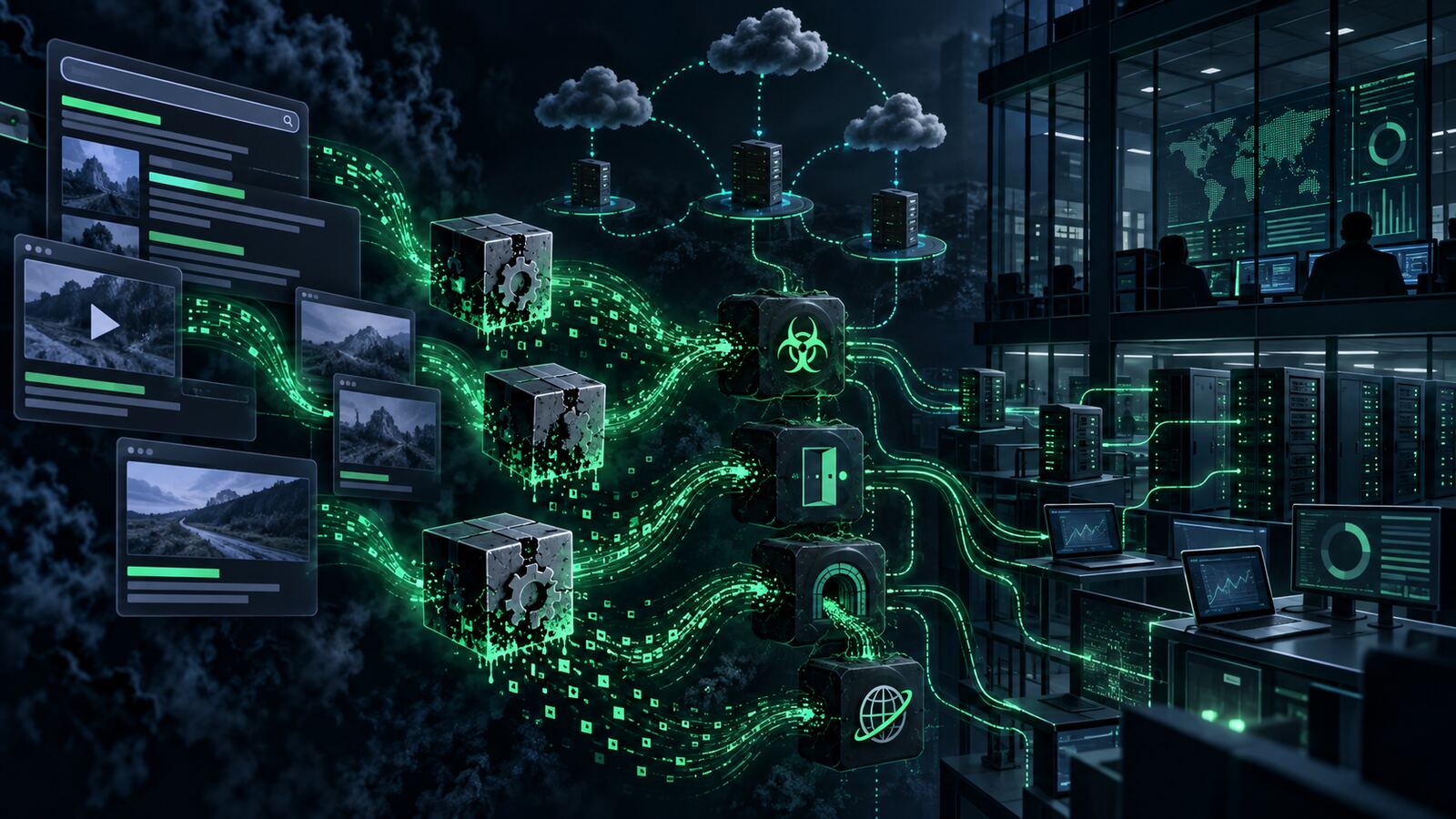
Unit 42’s latest research is a useful reminder that “commodity” does not mean harmless. The reported CL-CRI-1171 activity is not a single flashy malware family or one-off intrusion. It is a pay-per-install ecosystem that uses ordinary-looking YouTube gaming videos, SEO-poisoned software downloads, and disposable loader infrastructure to route victims into multiple downstream malware campaigns.
That matters for small businesses, local governments, schools, and government contractors because this is exactly the kind of activity that can be misclassified as low-grade adware or a user mistake. The first alert may look like a suspicious installer, a browser hijacker, or a noisy endpoint event. But behind that first event can be a marketplace where access brokers, RAT operators, proxyware crews, and credential thieves all get a shot at the same workstation.
What Unit 42 reported
According to Unit 42’s analysis, CL-CRI-1171 has operated under the radar for at least two years. The cluster used a custom loader, tracked as OfferLoader, across a broader pay-per-install operation. Delivery came through two primary funnels: YouTube gaming content and SEO poisoning around software downloads.
The YouTube side used gaming optimization themes such as frame-rate boosts, crash fixes, and settings tools. The content could look legitimate enough to win trust, but download links routed users toward malicious tooling. The SEO side targeted people searching for utilities and cracked or modified software. In Unit 42’s investigated intrusions, trojanized software downloads led to the same loader and then to different malware payloads.
The important point is the business model. A PPI operator does not need to run the final-stage malware. The operator monetizes installation. Once the loader has execution, it can deliver “offers” for other actors. Unit 42 observed payload combinations including Insomnia RAT, ARKTunnel, Docro Hijacker, GCleaner, and Socks5Systemz, and identified more than 10,000 distinct loader samples.
Why this is easy to miss
Defenders often prioritize by brand name, CVSS score, or obvious business impact. PPI activity abuses that habit. The initial event may not have a famous ransomware name attached to it. The user may have downloaded what looked like a utility. The domains may be short-lived and unremarkable. The loader may be generic by design.
Unit 42 also described gating behavior designed to filter victims and frustrate automated analysis. Redirect chains and tracking parameters helped determine whether a visitor received malware or a decoy page. That means a sandbox, crawler, or quick manual check may not reproduce what the user actually received. For lean security teams, this is where “we checked the URL and it looked clean” becomes a dangerous conclusion.
Bulwark Black assessment
The defensive lesson is not just “block gaming cheats” or “tell users not to download random installers.” Those are valid controls, but they are too narrow. The real lesson is that commodity delivery infrastructure should trigger a compromise-review mindset, especially when the affected endpoint has access to email, source code, financial systems, VPN, privileged admin tools, or client data.
In a government-contractor environment, one compromised workstation can become more than an endpoint incident. It can expose proposal data, CUI handling paths, authentication tokens, remote access software, cloud consoles, and partner portals. Even if the initial lure was consumer-themed, the impact can land squarely inside the business.
Practical defensive takeaways
- Treat suspicious installers as possible access-broker activity. If an endpoint ran a trojanized utility, review for secondary payloads, persistence, credential access, and lateral movement — not just the original file hash.
- Hunt by behavior, not only by malware family. Look for Inno Setup abuse, unusual child processes, PowerShell download chains, scheduled task creation, hidden runtime installation, unexpected Node.js or Python deployments, and browser-profile tampering.
- Watch for SEO-poisoning and download-funnel indicators. Proxy logs, DNS telemetry, and EDR timelines should be correlated around the first click, redirect chain, archive download, and execution event.
- Restrict user-writable execution paths. Application control, controlled folder access, and software allowlisting can reduce the odds that a downloaded “tool” becomes code execution.
- Separate personal browsing from privileged work. Admin workstations and contractor systems should not be used for gaming, cracked software searches, or casual utility downloads.
- Assume multiple payloads are possible. If the loader belongs to a PPI marketplace, one cleanup step may miss the second or third actor that bought access.
What to check now
Security teams should review recent endpoint alerts involving trojanized installers, archive downloads, fake driver utilities, browser hijackers, unauthorized proxy tools, suspicious scheduled tasks, and unexpected scripting runtimes. The focus should be on endpoints where the first event was closed as nuisance malware or user-installed adware.
For SMBs and contractors without a full SOC, the practical move is to tighten the software intake process: approved download sources, browser isolation for risky research, EDR coverage on all workstations, DNS filtering, and a basic incident checklist that asks, “What else did the loader deliver?” That one question is the difference between deleting a bad installer and actually closing the intrusion.
CL-CRI-1171 is a good example of modern cybercrime’s quiet efficiency. The infrastructure is disposable, the lures are familiar, and the payloads are interchangeable. Defenders should respond the same way: focus less on the name of the malware and more on the delivery pipeline, execution chain, and access it created.