


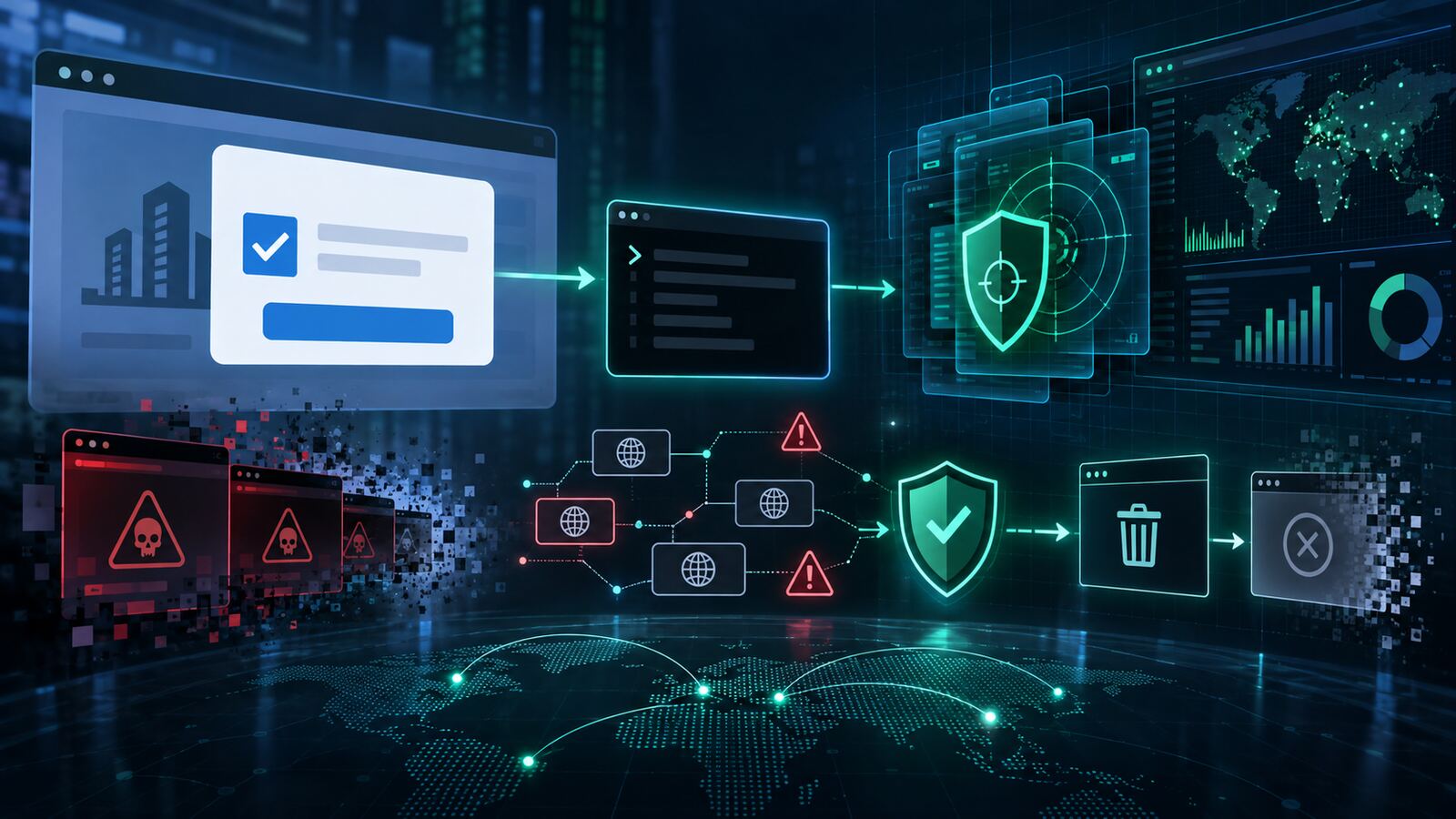
Recorded Future’s Insikt Group is tracking ClickFix-style brand impersonation: phishing infrastructure that does not need a browser exploit to be dangerous. Instead, it borrows the victim’s trust in a familiar logo, CAPTCHA, or “verify you are human” screen, then walks the user into running the attacker’s instructions themselves.
That detail matters for small businesses and government contractors because many defenses are still tuned around files, payloads, and exploit behavior. ClickFix shifts the center of gravity to the user workflow. A page can look routine, avoid obvious malware delivery at first touch, and still create compromise if the victim is convinced to paste a command, approve an action, or follow operating-system-specific instructions.
What Recorded Future reported
Recorded Future describes ClickFix as a social-engineering technique that mimics trusted verification patterns and adapts instructions based on the victim’s operating system. Windows and macOS users may see different “fix” steps, making the lure more convincing and harder to catch with one static signature.
The company also emphasized that this is a digital-risk problem, not only an endpoint problem. Attackers can reuse page templates across clusters of disposable domains, rotate infrastructure quickly, and abuse brand marks or logo-like visuals to create credibility before security teams or providers can process abuse reports.
Why this is a practical risk
ClickFix works because it attacks habit. Users are trained to clear CAPTCHAs, accept verification prompts, and follow troubleshooting instructions when a site says something is wrong. In a contractor or SMB environment, that can bypass expensive controls if the organization has not defined what legitimate verification and support workflows should look like.
The risk is especially sharp for organizations with unmanaged browsers, permissive PowerShell or terminal access, weak application control, and no fast path for reporting suspicious brand impersonation. If a fake verification page can convince one user to execute a command, the first alert may not be a blocked download; it may be suspicious script execution, credential theft, or follow-on access.
Defensive takeaways
- Hunt for command-from-browser behavior. Watch for PowerShell, Terminal, cmd.exe, mshta, curl, osascript, or scripting interpreters launched shortly after browser activity.
- Restrict copy/paste execution paths. Use application control, script-block logging, PowerShell Constrained Language Mode where appropriate, and EDR rules for suspicious one-liners.
- Train on the workflow, not just the look. Users should know that a CAPTCHA or verification prompt should never ask them to run a local command.
- Monitor brand abuse externally. Look for lookalike domains, copied landing pages, and logo misuse before customers, employees, or partners report them.
- Create a takedown playbook. Keep registrar, hosting-provider, DNS, and legal/communications steps ready so discovery turns into action quickly.
- Correlate web, identity, and endpoint telemetry. Treat suspicious browsing plus script execution plus unusual authentication as one incident chain, not three separate alerts.
Bulwark Black assessment
ClickFix is a good reminder that “no malware downloaded” does not mean “no attack.” The page is the lure, the brand is the credibility layer, and the user is pushed into becoming the delivery mechanism. For SMBs and government contractors, the right answer is not another awareness poster by itself. The right answer is a layered control set: external brand monitoring, fast takedown, browser and endpoint telemetry, identity review, and clear rules around what support or verification prompts are allowed to ask a user to do.
If your organization works with federal customers, this also has reputational risk. A spoofed vendor portal, fake document gateway, or impersonated helpdesk flow can harm partners even when the infrastructure is not hosted by you. Brand protection and phishing infrastructure monitoring should be treated as part of the security program, not just a marketing or legal afterthought.
Original source: Recorded Future — “The Lure Isn’t The Malware. It’s Your Logo.”