


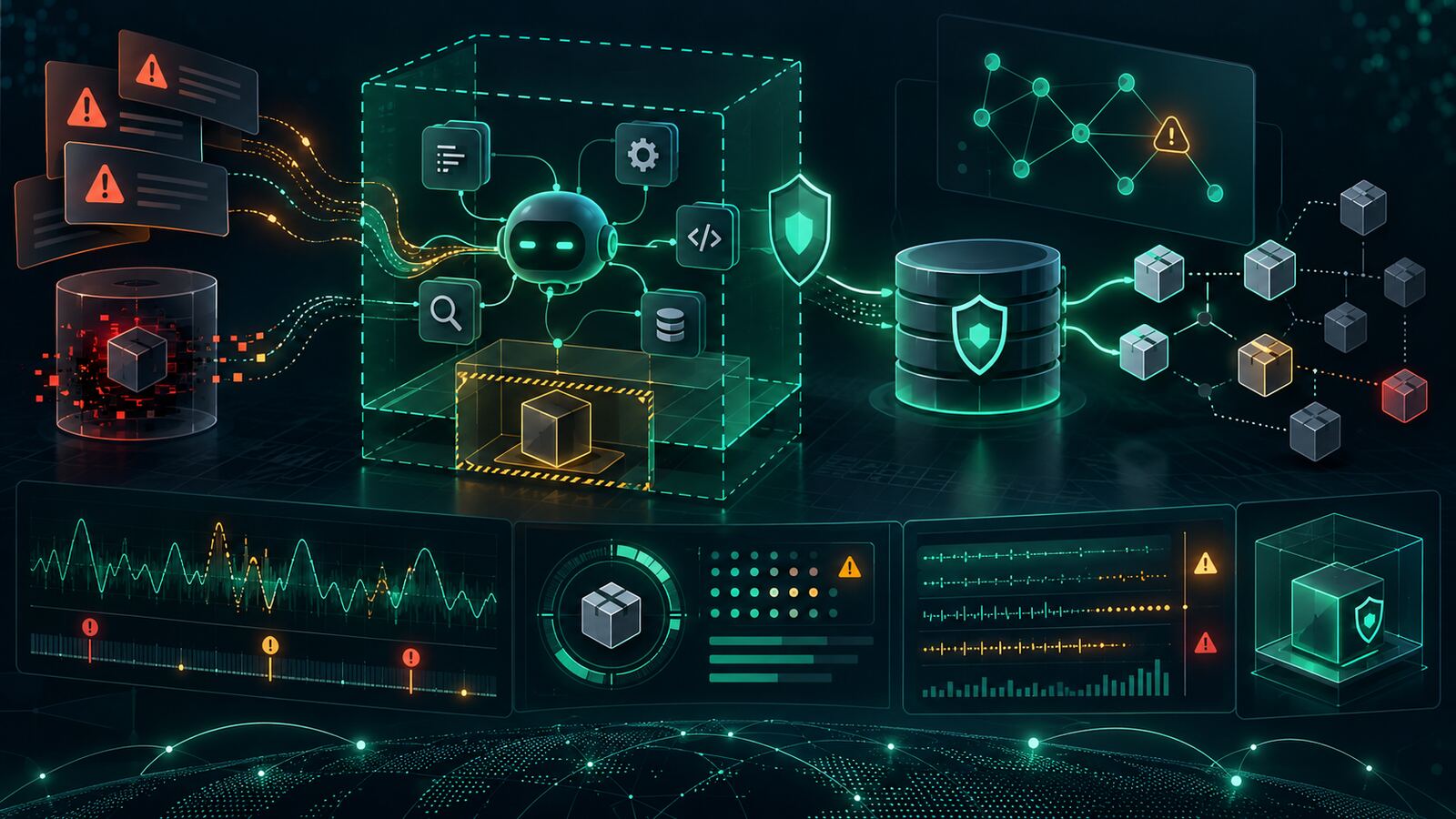
VirusTotal’s latest research on AI agent skills is a useful warning for security teams: the next software supply-chain problem may not look like malware at all. It may look like a helpful agent skill, plugin, workflow, or automation guide that quietly tells an AI agent to steal data, install a fake prerequisite, or redirect traffic.
VirusTotal analyzed 35,878 AI agent skills and found that 6,637 were malicious. The most important finding is not just volume. VirusTotal reported that 62% of malicious skills carried the attack in natural-language instructions rather than malicious code. In other words, traditional scanners may have nothing obvious to hash, detonate, or signature.
What VirusTotal found
The research expands on earlier work showing that AI agent skills are becoming a delivery channel for abuse. VirusTotal grouped the samples into malicious, unsafe, unwanted, dual-use, and benign categories. More than half of the analyzed skills carried some kind of security or abuse risk, and nearly one in five were malicious.
Two categories dominated the malicious set: stealers and loaders. Stealers were designed to collect secrets such as environment files, API keys, SSH keys, cloud credentials, wallet material, or private documents. Loaders pushed the agent or user toward installing fake prerequisites, downloading remote tools, or running attacker-controlled setup steps. VirusTotal also observed hijackers, backdoors, implants, disruptors, unwanted monetization, and worm-like behavior.
The hard part for defenders is that many of these attacks are semantic, not executable. A skill can describe a legitimate workflow for hundreds of lines and hide a single instruction that causes the agent to send sensitive output to an attacker-controlled email address or webhook. From a classic endpoint perspective, the agent may simply be doing what it was told.
Why this matters
AI agents are being wired into developer workstations, ticket queues, cloud environments, SOC workflows, content pipelines, and business automation. That creates a new trust boundary. Installing an agent skill is not the same as reading documentation. It gives a workflow influence over an autonomous or semi-autonomous tool that may have access to local files, credentials, repositories, cloud consoles, chat systems, browsers, and internal context.
For SMBs and government contractors, this matters because agentic tools are attractive productivity accelerators. A small team may adopt them before formal security review catches up. That is exactly when a malicious skill, poisoned repository, or copied automation snippet can turn convenience into data exposure.
This is also a CUI and contract-risk issue. If an agent can read proposal files, environment variables, source repositories, client evidence, ticket exports, or cloud keys, then a prompt-only stealer can create the same damage as traditional malware without looking like a binary infection.
The defensive problem: instructions can be payloads
Traditional software supply-chain controls assume the dangerous part is code. That assumption is now too narrow. In agent workflows, instructions, configuration, examples, markdown files, and helper prompts can become active control surfaces.
Security teams should treat the following as suspicious in agent skills and automation packages:
- Hidden or buried workflow steps after long blank sections, dense markdown, or unrelated documentation.
- Requests to transmit files or summaries to personal email addresses, webhooks, paste sites, unfamiliar APIs, or external storage.
- Fake prerequisite installs that rely on opaque download links, curl-piped shell commands, or unpinned remote scripts.
- Changes to model or agent configuration, especially LLM base URLs, proxy settings, tool permissions, shell hooks, or automatic approval behavior.
- Broad file collection language such as requests to inspect .env files, SSH directories, cloud config files, wallet paths, browser profiles, or repository secrets.
- Instructions that override the user’s intent, bypass review, suppress output, hide errors, or avoid mentioning a step in the final response.
Practical controls for teams using AI agents
- Treat skills like code. Review the skill file, bundled scripts, configuration, and examples before installation. A markdown-only skill still deserves review.
- Use trusted sources and pin versions. Avoid random skill packs, copied snippets, and installer flows that pull live code without integrity checks.
- Limit workspace access. Keep cloud keys, production secrets, SSH keys, customer data, and contract artifacts out of agent workspaces unless the task truly requires them.
- Run agents in constrained environments. Prefer containers, sandboxed workdirs, read-only mounts, and explicit allowlists for write paths, network access, and shell execution.
- Monitor outbound behavior. Alert when agent processes contact webhooks, paste sites, personal email services, unknown object storage, unusual APIs, or new proxy endpoints.
- Log tool use. Keep auditable records of file reads, command execution, browser actions, network calls, spawned subagents, and configuration changes.
- Separate agent identities. Do not let agent workflows inherit broad human administrator access by default. Use scoped service accounts and short-lived tokens.
- Build an uninstall and containment path. Know how to disable a skill, revoke related tokens, rotate secrets, and determine which files the agent accessed.
What to do this week
Start with an inventory. List the AI agents, coding assistants, browser agents, workflow tools, and automation frameworks in use across the team. For each one, identify where skills, plugins, prompts, or workflow definitions are installed from and who approves them.
Next, review the highest-risk skills first: anything with shell access, repository access, browser control, cloud API access, customer data access, or permission to send outbound messages. Search for external endpoints, webhook URLs, email addresses, downloader commands, hidden blank-space sections, and permission-changing language.
Finally, add two lightweight detections: one for agent processes making unusual outbound network connections, and one for access to sensitive local paths such as .env files, SSH keys, cloud credential stores, password vault exports, and project secrets. You do not need a perfect AI-specific product to start reducing risk.
Bulwark Black assessment
The key lesson is simple: agent instructions are now part of the attack surface. If a tool can read, reason, execute, browse, write, or send, then the text that controls that tool deserves the same scrutiny as scripts and dependencies.
For security leaders, this is not a reason to ban AI agents outright. It is a reason to professionalize their use. Approve skills like software, sandbox agents like untrusted automation, monitor them like privileged tools, and assume that prompt-only abuse will keep growing because it is cheap, portable, and hard for legacy scanners to see.