


Screenshot tools are easy to underestimate. They feel lightweight, temporary, and convenient: capture a screen, paste a link, move on. The risk is that every capture can become a durable record of something the organization did not intend to store in another cloud service.
Gyazo, the screenshot and screen-recording service operated by Helpfeel, disclosed that attackers exploited a vulnerability in its image upload server on September 11, 2026. According to the company, the incident exposed approximately 23.62 million user-related records and roughly 490 million image metadata records, primarily tied to older uploads. BleepingComputer also reported that Gyazo temporarily took service functions offline while responding to the breach.
This is worth paying attention to even if your company does not use Gyazo. The broader lesson is about unmanaged capture-and-share tools. Screenshots often contain tickets, dashboards, source code, internal chat, customer records, cloud console views, vulnerability findings, proposal material, credentials, and operational diagrams. When those images and their metadata leave the environment, they can create an intelligence dataset for attackers.
What was reported
Helpfeel said a third party exploited a vulnerability in Gyazo's image upload server, gained unauthorized system access, and executed arbitrary commands. The company said it blocked the access routes, remediated the exploited vulnerability, and continued a forensic investigation with outside specialists.
The disclosed user information varied by account, but could include names or nicknames, email addresses, password hashes, user IDs, device IDs, login session IDs, connected X integration tokens, Google SSO email addresses, profile details, subscription status, billing status, and usage statistics. Helpfeel stated that payment card numbers and other payment method information were not disclosed.
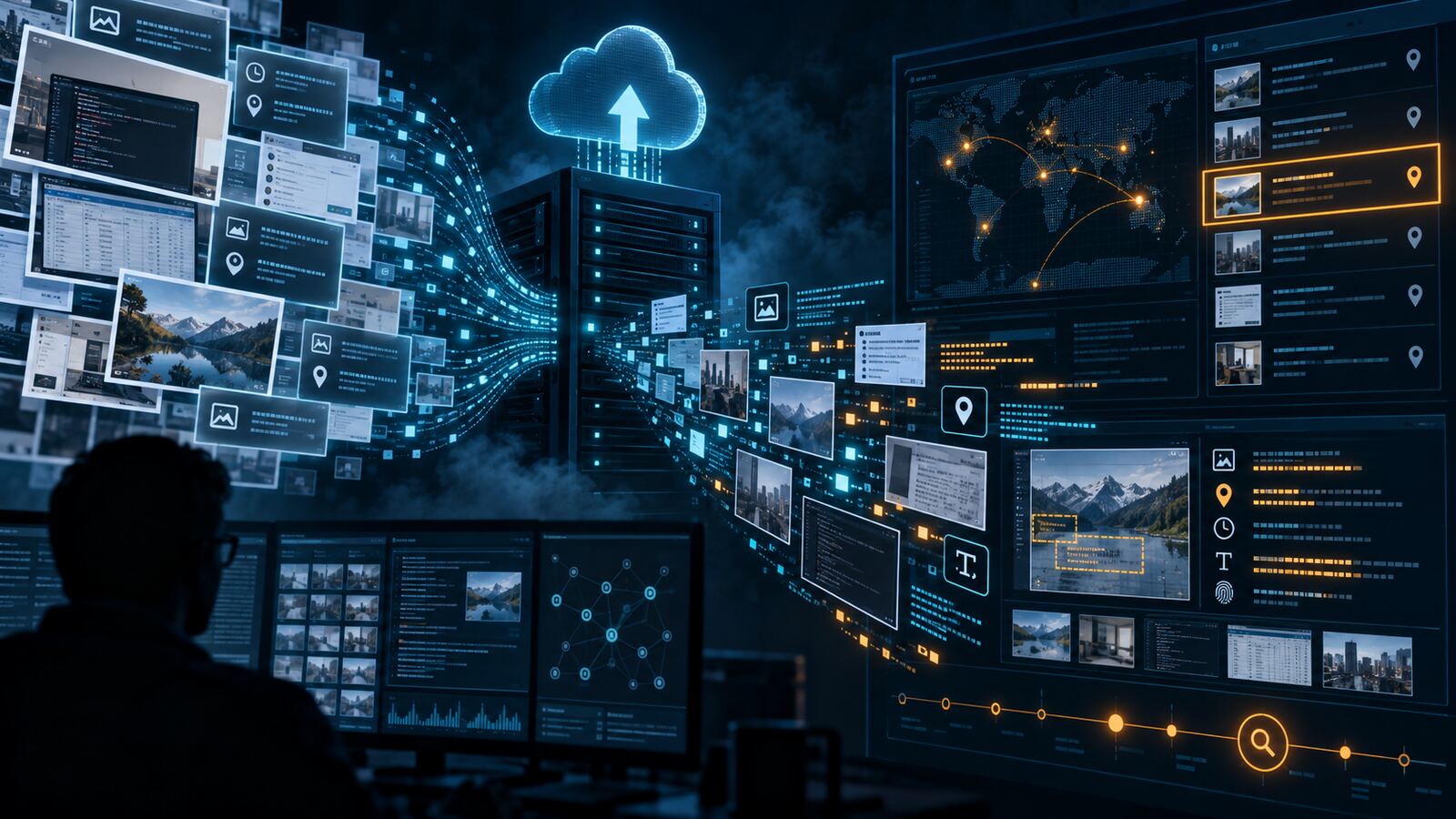
The image metadata exposure is the part defenders should study closely. Helpfeel said affected metadata could include image IDs used to construct URLs, upload IP addresses, User-Agent strings, EXIF location data, OCR-extracted text, image titles, source URLs, hashed passphrases for private images, and related fields. The company also said attackers obtained a list identifying private images and that it could not rule out that some private images were viewed.
Why this matters for SMBs and government contractors
For a small business, screenshots are often how work gets unstuck. Someone captures an error, a contract portal, a cloud configuration screen, a Slack message, a vulnerability scan, or a customer ticket and shares it quickly. That workflow is useful, but it also bypasses many normal data controls.
For government contractors, the stakes can be higher. Screenshots may contain controlled unclassified information, export-controlled context, procurement data, vulnerability details, identity records, system boundary diagrams, or customer environment information. Even when the screenshot itself is not regulated data, the metadata around it can reveal who uploaded it, from where, with what device, which source page, and what text OCR extracted from the image.
That combination can support phishing, credential attacks, social engineering, customer targeting, and environment mapping. A screenshot service breach does not need to expose raw passwords to be useful to an adversary. It can provide names, email addresses, session-related identifiers, historic source URLs, private-image markers, upload IPs, and searchable text from images that were never meant to be indexed by an outside party.
Defensive takeaways
- Inventory screenshot and screen-recording tools. Check browsers, desktop utilities, SaaS integrations, helpdesk workflows, RMM tools, design tools, and employee-installed capture apps.
- Decide what data may be captured. Treat screenshots of customer records, tickets, government portals, security consoles, source code, secrets, and architecture diagrams as controlled data.
- Block public-link sharing for sensitive work. If captures are needed, prefer managed storage with SSO, MFA, retention controls, audit logs, and access expiration.
- Disable automatic cloud upload where possible. Local capture and deliberate upload is safer than automatic third-party hosting for every screenshot.
- Review OCR and metadata behavior. OCR text, source URLs, EXIF location data, User-Agent strings, and upload IPs can be as sensitive as the image itself.
- Rotate reused credentials. Any affected users should change Gyazo passwords and any reused or similar passwords elsewhere.
- Hunt for exposed business context. Search shared screenshot repositories for secrets, API keys, customer data, cloud console views, VPN details, ticket IDs, and diagrams that should be removed or access-restricted.
- Add screenshot handling to security awareness. Users need simple guidance: what can be captured, where it can be uploaded, how links should expire, and when redaction is required.
Practical review checklist
Organizations do not need a massive project to reduce this risk. Start with a fast review of the tools employees actually use. Identify whether captures are uploaded automatically, whether links are public by default, whether old images ever expire, whether admins can audit access, and whether the service extracts OCR text or metadata.
Then set a default rule: sensitive screenshots belong in managed systems, not public-link image hosts. If a screenshot is required for a ticket, proposal, vulnerability report, or customer support case, it should follow the same handling rules as the data shown inside the screenshot. Redact first, share second, and expire access when the work is done.
Bulwark Black assessment
The Gyazo incident is a clean reminder that convenience tools become shadow data stores. A screenshot platform may hold years of operational breadcrumbs: internal application names, admin panels, customer environments, IP addresses, browser details, OCR text, and private links. That is intelligence an attacker can use even without direct access to the original systems.
The defensive move is not to ban every screenshot. That will fail. The better approach is to make screenshot handling explicit: approved tools, managed access, short retention, redaction standards, and monitoring for public-link sharing. If a capture contains sensitive business context, treat it like sensitive business data.
Source: BleepingComputer — Gyazo server flaw exploited to steal 23.6 million user records
Additional reference: Helpfeel incident notice