


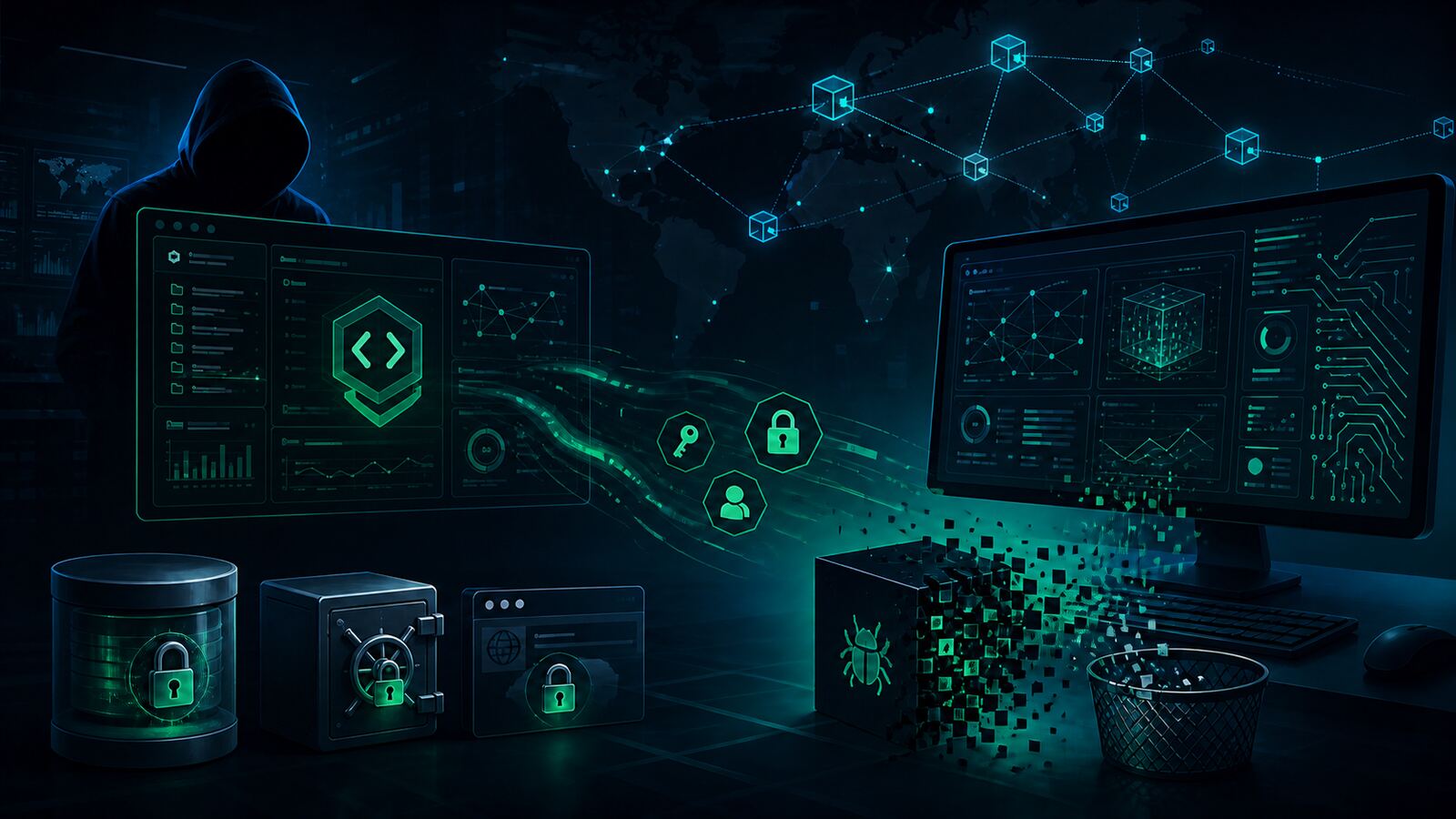
A fake “Claude Opus 5” desktop application hosted through a malicious GitHub repository is a useful warning for every organization adopting AI tools quickly: attacker lures no longer need to look like obvious cracks, cheats, or pirated software. They can look like productivity software, developer tooling, or a free AI client that an employee wants to test.
Help Net Security, citing Morphisec research, reported that the campaign delivers RevStealer, a Windows information stealer built to collect browser data, saved credentials, cryptocurrency wallet artifacts, VPN and remote-access credentials, password-manager files, messaging app data, screenshots, clipboard content, and selected user documents. The malware also uses anti-analysis checks, encrypted configuration, direct system-call techniques, streaming exfiltration, self-deletion, and a Polygon blockchain-based fallback command-and-control path.
For SMBs and government contractors, the lesson is direct: AI-brand trust has become an endpoint execution risk. If users can download and run unofficial “AI desktop” tools from GitHub, search results, ads, Telegram posts, or forum links, then the organization has a credential-theft problem before the SOC ever sees a normal malware alert.
What was reported
The malicious repository impersonated Anthropic branding and claimed to offer free access to a “Claude Opus 5” desktop app. The download was presented as a ZIP archive and packaged to look like a legitimate AI application. When executed, however, the program did not open a normal app window. Instead, it performed environment checks, attempted to add the user’s AppData folder to Windows Defender exclusions, decrypted a bundled payload, and launched RevStealer in the background.
According to the reporting, RevStealer includes multiple anti-analysis controls before collection begins. It checks for indicators such as sandbox and virtual-machine traits, analysis tooling, CPU and memory characteristics, graphics hardware, host identity, uptime, and regional language settings. Once running, it resolves Windows APIs without relying on a normal import table, keeps configuration encrypted until needed, uses indirect system calls to reduce user-mode hook visibility, streams stolen data directly to operator infrastructure, and removes itself after execution.
The command-and-control design is also notable. If its primary server is unavailable, the malware can retrieve fallback infrastructure from a smart contract on the Polygon blockchain. That gives the operator a way to rotate backend infrastructure without rebuilding the malware, which makes simple domain blocking less durable.
Original source: Help Net Security — Fake Claude Opus 5 app delivers malware and wipes its own tracks.
Why this matters
This campaign sits at the intersection of three common business behaviors:
- Employees are experimenting with AI tools. Many teams are still moving faster than their approval processes.
- GitHub feels trustworthy. Users often treat a polished repository, README, screenshots, and release ZIP as legitimacy signals.
- Infostealers are business-impact malware. A stolen browser session, cloud token, VPN profile, password vault export, or crypto wallet can be more damaging than a noisy ransomware executable.
For a contractor or small business, the first impact may not be an encrypted workstation. It may be a stolen Microsoft 365 session, exposed proposal data, compromised GitHub access, harvested VPN credentials, or abuse of saved browser tokens to enter SaaS systems that never see a password login.
Defensive takeaways
1. Create an approved AI software path
Do not leave employees to find AI desktop clients on their own. Maintain a short approved list of AI tools, download locations, browser extensions, and desktop applications. If the organization allows experimentation, provide a sandboxed path for it instead of forcing users into shadow IT.
2. Block unofficial AI installers and “free pro” lures
Security awareness should explicitly cover fake AI tools, not just fake invoices and password-reset emails. A polished GitHub repository offering free access to a paid or unreleased model should be treated like a cracked-software lure. The branding is different; the intrusion mechanics are familiar.
3. Watch for Defender exclusion abuse
An unexpected attempt to add user-profile paths such as AppData to Microsoft Defender exclusions is a high-signal event. Alert on exclusion changes, especially when initiated by user-space processes, scripts, installers, archives, or newly downloaded binaries.
4. Hunt for credential-store access, not just hashes
Infostealer campaigns change filenames and infrastructure quickly. Durable detection comes from behavior: access to browser databases, password-manager files, Windows Credential Manager, crypto wallet directories, VPN profiles, screenshots, clipboard data, and unusual outbound connections shortly after a new installer runs.
5. Reduce browser-session blast radius
Require phishing-resistant MFA for key services, shorten session lifetimes where practical, review risky OAuth grants, and separate admin accounts from daily browsing. If a workstation is hit by an infostealer, assume saved sessions and tokens may be exposed even if passwords were not typed during the incident.
6. Treat blockchain C2 as an egress signal
Blockchain-based fallback infrastructure is not new, but it is showing up in practical malware chains. Monitor unusual access to public blockchain APIs, smart-contract lookup patterns, and unexpected crypto-adjacent network traffic from ordinary workstations.
Bulwark Black assessment
RevStealer’s fake Claude lure is not just another “don’t download shady software” story. It shows how quickly attackers adapt to whatever software category currently has user trust and curiosity. AI tools now occupy the same attacker sweet spot that remote work tools, crypto wallets, gaming mods, cracked software, and developer utilities have occupied in previous campaigns.
The right defensive posture is boring and effective: approved software sources, application control for unmanaged installers, endpoint telemetry around credential access, alerting on security-tool tampering, and fast containment when infostealer behavior appears. Small teams do not need a massive SOC to improve here. They need a clear rule: unofficial AI tools do not run on machines that hold business credentials.
For government contractors, this is especially important because the endpoint may bridge personal research, proposal work, client portals, source repositories, and cloud administration. A single “free AI desktop app” test can become a credential exposure event across the whole business.